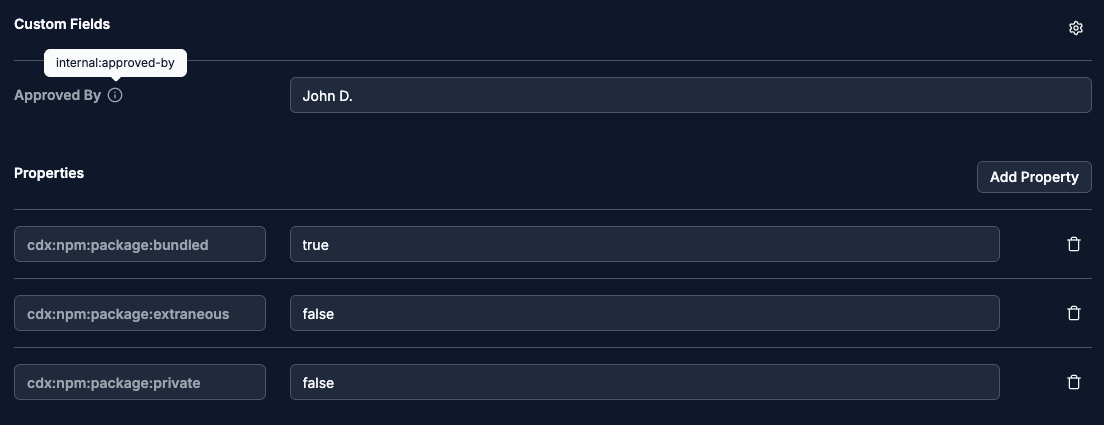
Custom fields
Add named fields, stored as properties, to components and suppliers.
Properties
Properties are key-value pairs for data that has no field of its own, in CycloneDX, SPDX, or the SBOM Observer data model. Components, suppliers, and advisories carry them, both from the SBOM (index) and from users (annotations). A key can come from a standard taxonomy or be one your organization defines.
Custom fields
A custom field gives a property a readable label and its own form in the UI, on component and supplier pages. Use one for a property your organization fills in often, such as a contract number, or to give a standardized property a clearer name.
Create a custom field
Go to Settings → Data Model and add a custom field with:
- a field name, the label shown in the UI, for example "Contract Number",
- a property key, the property that stores the value, for example
internal:suppliers:contract:number.
Custom fields show in their own section, above the other properties.